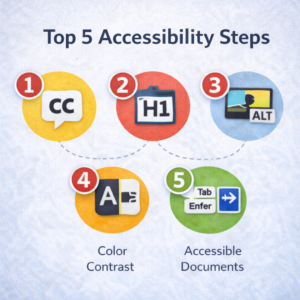
Top 5 Accessibility Steps
What will have the biggest impact for your students while making the most efficient use of your time? Here are our Top Five accessibility steps.
- Start today!
Accessibility can be daunting. Make a commitment that, starting today, all new content you create or add will be accessible.
If “today” or “all content” is still too big, start smaller: beginning summer 2026, review all Canvas Pages and other Canvas content. But commit to a starting point for yourself.
- Use the CSUN Canvas Course Template.
Set up your Fall 2026 Canvas courses using the CSUN template. The CSUN Canvas Course Template, built on equity principles, provides your students with a consistent course experience and has accessibility best practices woven throughout the template.
- Run the TidyUP tool in Canvas
TidyUP will help you quickly find and remove unused files, folders, pages, and assignments. Cleaning up extra content makes your course easier to manage and ensures better accessibility for all users.
If you’re not ready to get rid of unused content, TidyUP helps you download it to store (archive) somewhere other than this semester’s active course.
- Review your Course Accessibility Report.
The Course Accessibility Report in each of your Canvas courses identifies areas for accessibility improvement and guides you through fixes.
- Caption course videos.
Contact NCOD: Deaf and Hard of Hearing Services to have any video used for instruction professionally captioned.
Panopto: Self-Service Closed Captions
Panopto now allows faculty to request professionally produced closed captions themselves, directly from within the Panopto interface. Learn more about Panopto: Closed Captions Self-Service.
Learn more about the Top 5 Accessibility Steps.