Events

Multimedia Content Creation

Online via Zoom; Connection details provided upon registration

Register for this event Learn how to use AI to transform lectures and academic content into various formats, including podcasts. This diversification of learning materials caters to different learning styles and preferences. Presented by Dr. Deone Zell, DNCOBE. If you require accommodations, please contact the NCOD on campus at ncod@csun.edu. **Your Zoom link will be in… Continue reading Multimedia Content Creation

Free
Video Editing with Ease, An Intro to Camtasia

University Library Room 30

Register for this event This workshop, offered in person at the Faculty Technology Lab (UL30), will bring guidance to faculty with little to no video editing experience up to pace with Camtasia, a video editing software aimed at instructors, to enhance their courses’ instructional video content. Topics include: Downloading and installing Camtasia Using the Camtasia… Continue reading Video Editing with Ease, An Intro to Camtasia

Free
Event Series USU Tech Tips

USU Tech Tips: Photoshop I

Computer Lab, University Student Union 18111 Nordhoff St, Northridge, United States

Master the fundamentals of Photoshop and make your digital images look their best. This class covers non-destructive editing techniques using layers, masks, blend modes and adjustment layers. Find out how to perform common editing tasks including color and tonal adjustments, customizing the toolbar, sharpening, retouching and more.

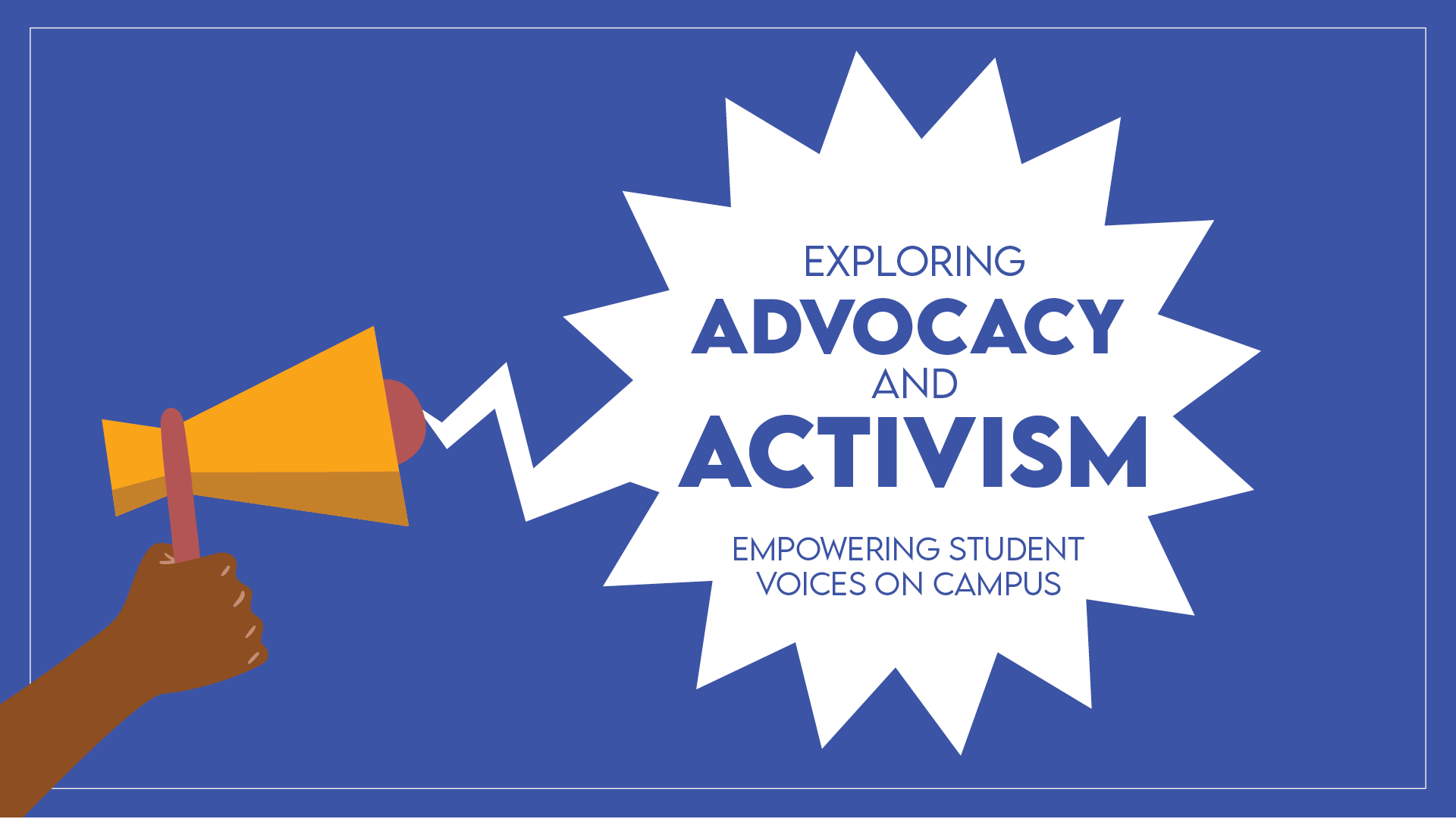
Event Series Exploring Activism and Advocacy

Toolkit for Change: Supporting Wellness and Self-Advocacy in Activism

Lake View Terrace Room, East Conference Center, University Student Union 18111 Nordhoff St., Northridge, CA, United States

Make sure you’ve got the tools you need to engage in activism and understand the political landscape ahead of the upcoming election with our workshop series Exploring Advocacy and Activism. Each workshop is designed to equip students with the knowledge to effectively push for change. Whether you’re new to activism or a seasoned advocate, these workshops… Continue reading Toolkit for Change: Supporting Wellness and Self-Advocacy in Activism

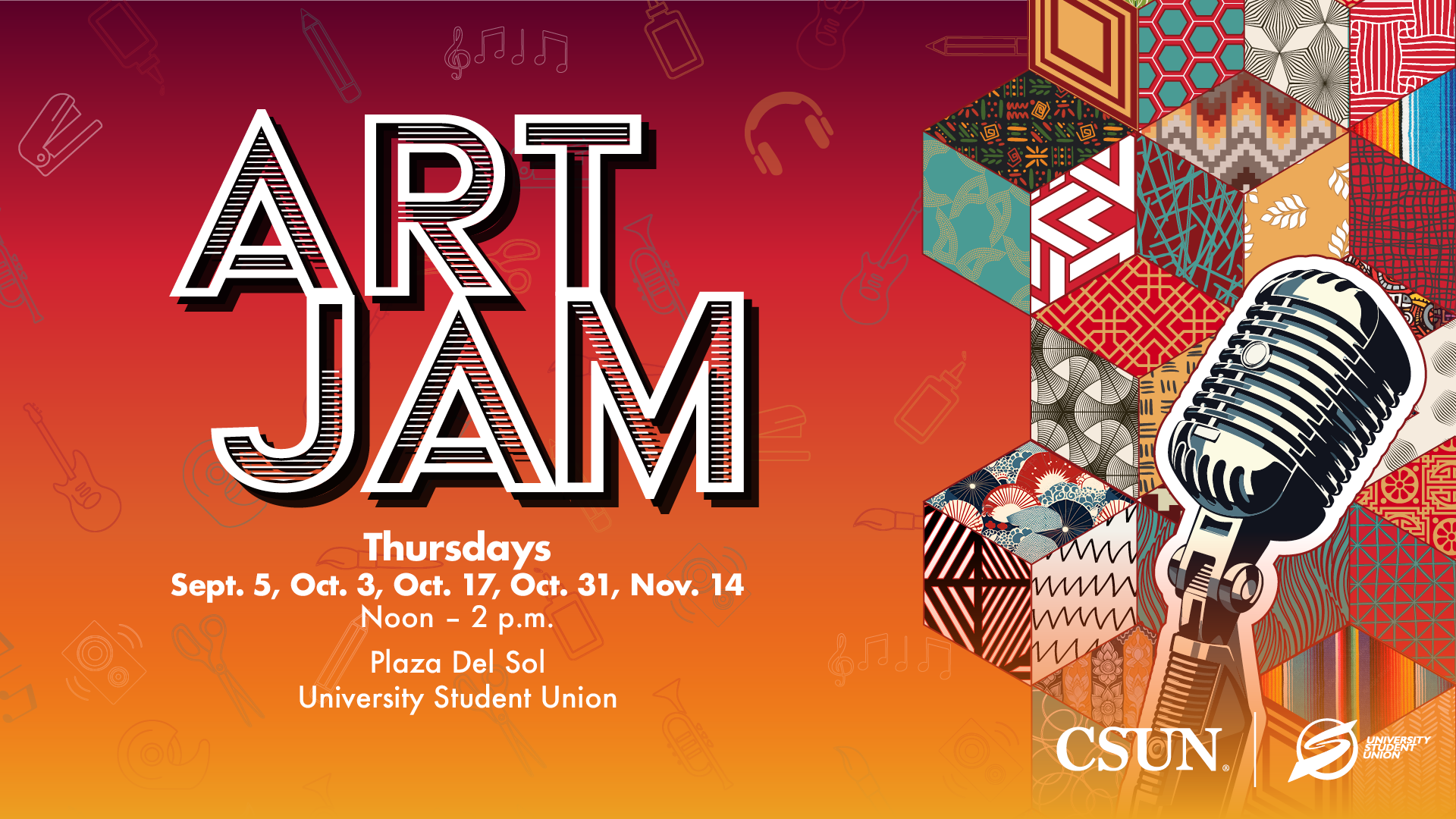
Event Series Art Jam

Art Jam

Plaza del Sol, University Student Union 18111 Nordhoff St., Northridge, CA, United States

Unleash your creativity and celebrate diversity at Art Jam Thursdays! Dive into fun DIY crafts, relieve stress and show off your unique style for a chance to be featured on social media. Enjoy delicious food and jam to live music while collecting special themed buttons at each event. Every Art Jam you attend enters you… Continue reading Art Jam

Africana Studies Week: 3rd Annual Plaque Dedication and March to the Black House

Between Sierra Hall and Jerome Richfield

Date: Friday, November 1, 2024 Time: 11:30am-2:15pm Location: Between Sierra Hall and Jerome Richfield About this Event Join the CSUN Department of Africana Studies for the 3rd Annual Plaque Dedication Ceremony and March to the Black House! This powerful event honors the courageous students, faculty, and staff whose activism in 1968 sparked a movement that… Continue reading Africana Studies Week: 3rd Annual Plaque Dedication and March to the Black House

Free

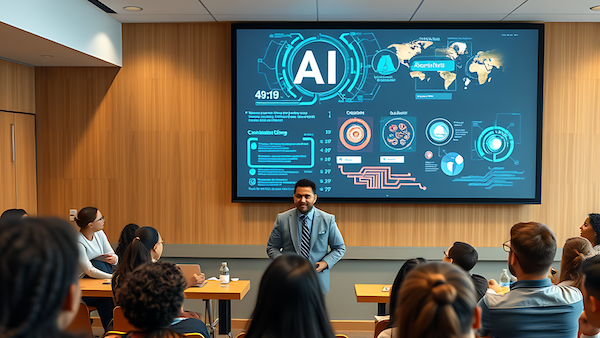
AI in the Classroom

Online via Zoom; Connection details provided upon registration

Register for this event Learn how to use AI in the classroom to engage students and boost their confidence and participation, especially for non-native speakers and shy students. Presented by Dr. Deone Zell, DNCOBE. If you require accommodations, please contact the NCOD on campus at ncod@csun.edu. **Your Zoom link will be in the Additional Information section… Continue reading AI in the Classroom

Free
Event Series USU Tech Tips

USU Tech Tips: Photoshop I

Computer Lab, University Student Union 18111 Nordhoff St, Northridge, United States

Master the fundamentals of Photoshop and make your digital images look their best. This class covers non-destructive editing techniques using layers, masks, blend modes and adjustment layers. Find out how to perform common editing tasks including color and tonal adjustments, customizing the toolbar, sharpening, retouching and more.

Scroll back to the top of the page