Events

PowerPoint Accessibility

Description: This training demonstrates how to effectively use Microsoft PowerPoint to enhance presentations with visual interest while maintaining accessibility. Participants will learn how to avoid common accessibility barriers, utilize structural elements for accessible design, and convert presentations into accessible formats such as tagged PDFs, Braille, or large print. The session will also explore tools like… Continue reading PowerPoint Accessibility
Accessible Instructional Materials Webinar

Description: An important component of designing and building a course is ensuring that instructional materials are accessible to students with disabilities. In this workshop, we will demonstrate several things instructors can do to ensure the accessibility of their course materials. Workshop Objectives: Explain the importance of accessible materials. Structure text documents with Heading Styles. Assess… Continue reading Accessible Instructional Materials Webinar

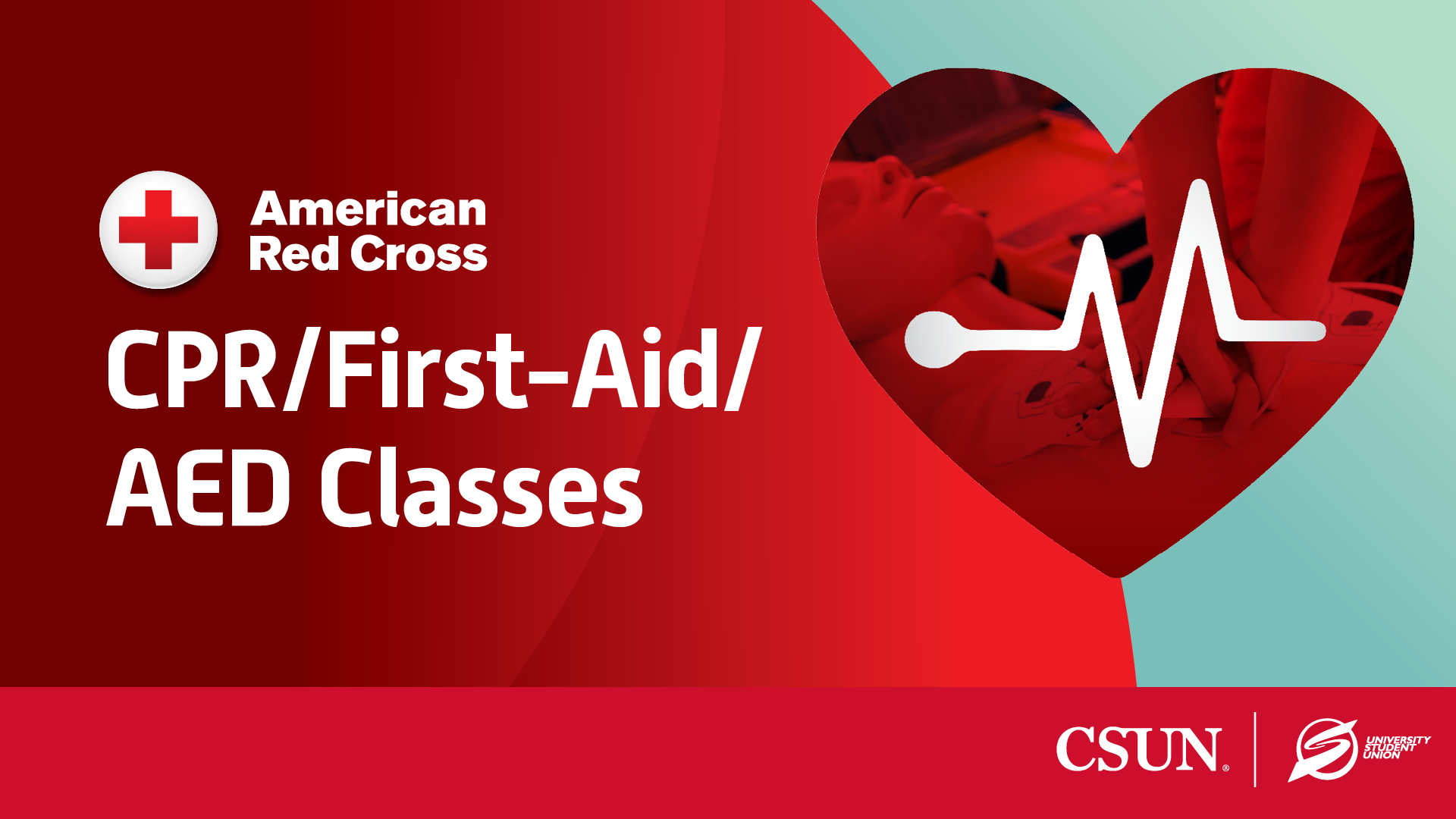
American Red Cross Adult and Pediatric First Aid/CPR/AED Class

Calling all students! For just $72.50, you can get certified and equipped with important life-saving skills through American Red Cross Adult and Pediatric CPR/First-Aid/AED training. Learn to respond to cardio-respiratory emergencies calmly and confidently through this hands-on course. Check your email after you register for location and instructions Register online via the SRC Portal or… Continue reading American Red Cross Adult and Pediatric First Aid/CPR/AED Class

$72.50

PDF Accessibility Tools

Description: This training introduces participants to the fundamentals of creating accessible PDF documents using Adobe Acrobat. Attendees will learn how to apply proper tagging techniques to ensure PDFs meet accessibility standards and are usable by individuals with disabilities. The session also highlights the importance of preserving accessibility features during the conversion process from Microsoft Word to… Continue reading PDF Accessibility Tools

Scroll back to the top of the page