Events

  • PowerPoint Accessibility

    Description: This training demonstrates how to effectively use Microsoft PowerPoint to enhance presentations with visual interest while maintaining accessibility. Participants will learn how to avoid common accessibility barriers, utilize structural… Continue reading PowerPoint Accessibility

    8 Steps to a More Accessible Course

    Description: Sponsored by the CSU Accessible Technology Initiative In this fast-paced session, we'll showcase 8 strategies for enhancing the accessibility of your instructional materials stored in Canvas LMS. Strategies include: Creating an accessible course syllabus. Sharing Library holdings with students using Reading List. Cleaning up old/unused course files using TidyUP. Leveraging remediation services from ITS.… Continue reading 8 Steps to a More Accessible Course

  • PDF Accessibility Tools

    Description: This training introduces participants to the fundamentals of creating accessible PDF documents using Adobe Acrobat. Attendees will learn how to apply proper tagging techniques to ensure PDFs meet accessibility standards… Continue reading PDF Accessibility Tools

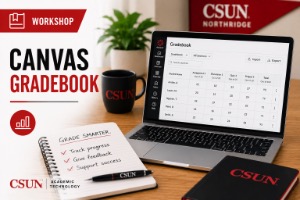
    Canvas Gradebook

    Online via Zoom; Connection details provided upon registration
    Virtual Event

    Confidently set up and organize Canvas Gradebook so your grading scheme is clearer, more efficient, and easier for students to understand Description: A well-designed Gradebook can save time, reduce grading… Continue reading Canvas Gradebook

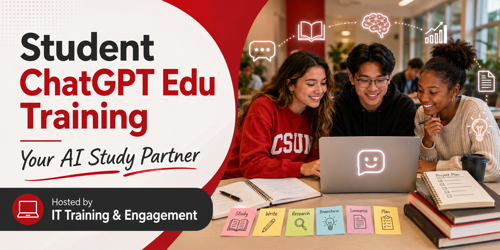
    ChatGPT Edu – Your AI Study Partner

    Virtual Event

    Hosted by IT Training and Engagement Student Team: Alvaro Aragon, Sophia Hughes, and Jason Erhahon. This workshop introduces ChatGPT Edu and the services CSUN provides for students. Participants will learn how to access ChatGPT Edu and explore ways it can serve as a thought partner for studying, writing, research, brainstorming, summarizing, productivity, and project planning.… Continue reading ChatGPT Edu – Your AI Study Partner