Events

  • Canva vs PowerPoint Design

    Description: This session explores the differences between Canva and Microsoft PowerPoint in creating accessible flyers and infographics. Attendees will gain insight into how each platform supports accessibility features and design workflows. It is recommended that participants complete the introductory session, Flyers & Infographics Accessibility, beforehand to build foundational knowledge of best practices for designing accessible visual content.… Continue reading Canva vs PowerPoint Design
    Still thinking about mid-terms? Check out the features on New Canvas Quizzes

    Online via Zoom; Connection details provided upon registration

    Master Canvas Quizzes: Build Question Banks, Assign Points, and Manage Grades Description: This workshop provides an overview of building and using quizzes in your Canvas course. Topics will include: Creating questions and question banks, Assigning points, and Gradebook Hosted by: Avo Topjian Register Now!

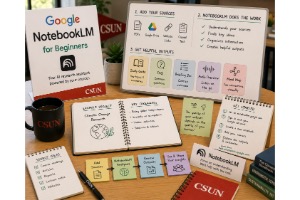
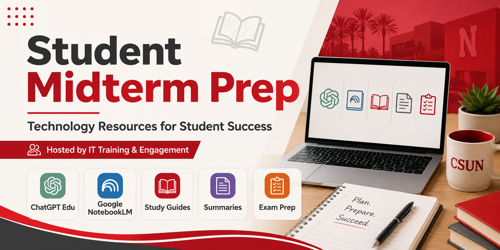
    Do you have course reading for your students? Learn how to set up Google Notebook LM for your course materials

    Online via Zoom; Connection details provided upon registration

    Transform Course Materials with Google Notebook LM: AI-Powered Summaries, Flashcards, and Mind Maps Description: Google Notebook LM turns your course readings, lecture notes, and research articles into interactive, AI-powered workspaces. In this workshop, you’ll see how to generate instant summaries, outlines, flashcards, and even mind maps to support student learning and streamline lecture prep. We’ll… Continue reading Do you have course reading for your students? Learn how to set up Google Notebook LM for your course materials

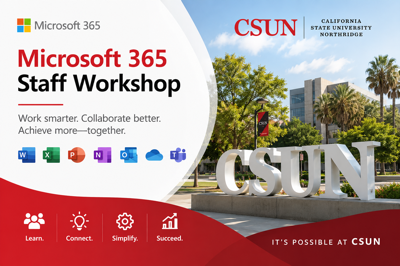
    Staff Microsoft 365 Training

    Virtual Event

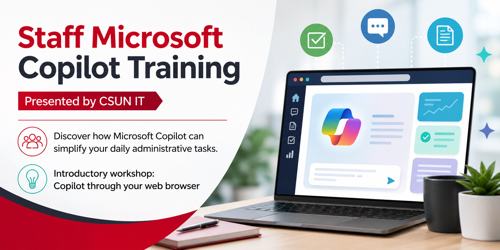
    Hosted by: CSUN's Division of Information Technology Make your workday easier with practical digital tools designed for campus collaboration. In this session, you’ll learn how to streamline daily workflows, organize department projects, collaborate seamlessly with colleagues, and get more out of Microsoft 365. Discover time-saving shortcuts, sync your favorite office apps across devices, and learn… Continue reading Staff Microsoft 365 Training