Securing Canvas Exams with LockDown Browser
December 1 at 11:30 am to 12:30 pm
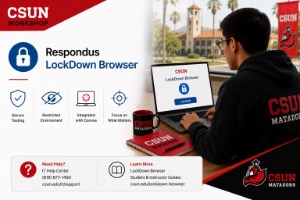
Secure your Canvas exams and support your students with LockDown Browser – including guided installation and troubleshooting help.
Description: This in-person workshop helps faculty use LockDown Browser to secure quizzes and exams in Canvas, while also learning how to guide students through downloading, installing, and testing the tool. We’ll walk through enabling LockDown in your course, explore Respondus Monitor options, and troubleshoot common student issues. You’ll leave with a quiz-ready setup, student instructions, and FTC support resources.
Hosted by: Charles Mahoney, M. Ed.