- This event has passed.
Google Notebook LM for Teaching and Research
November 21, 2025 at 12:00 pm to 1:00 pm
You will need to be signed into Zoom with your csun.edu or my.csun.edu email address to join.
If you are signed into the Zoom app with a different account, log out of Zoom, and select the Single Sign-On (SSO) button near the bottom. If Zoom asks for a domain enter csun, and you will be guided to CSUN’s SSO page.
Join the event on Zoom
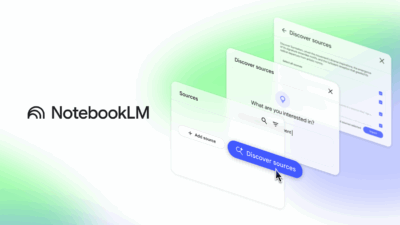
Google Notebook LM turns your course readings, lecture notes, and research articles into interactive, AI-powered workspaces. In this workshop, you’ll see how to generate instant summaries, outlines, flashcards, and even mind maps to support student learning and streamline lecture prep. We’ll also explore advanced features like audio/video overviews and collaborative notebooks, showing how they can enrich both independent study and faculty research. Faculty will leave with practical strategies for creating dynamic teaching materials and accelerating scholarly workflows.
*If you require an ASL interpreter, please contact your department.
**For Zoom captions – please pre-enable automated captions/transcript on the Zoom website (not the app) before the meeting begins as it cannot be turned on while the meeting is running. If you have any questions, contact ftc@csun.edu