CSUN California State
University Northridge

Scroll back to the top of the page
- This event has passed.
Create lecture videos to insert into your course with Panopto
September 29 at 10:00 am to 11:00 am
Get Started with Panopto: Record, Edit, and Manage Videos for Your Canvas Courses
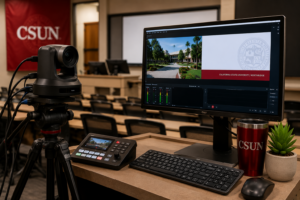
Description: Learn how to start recording instructional video content for your Canvas courses using Panopto! Whether it’s a class recording, lecture, lesson, or demonstration, this workshop will show you how to access Panopto as your primary video platform. You’ll learn how to sign in with CSUN credentials, record directly in your browser or via the desktop app, navigate Panopto’s viewer and “My Folder” system, and explore its simple yet versatile video editor with built-in accessibility features.
Hosted by: Lecture Caption Coordinator
Register Now!